How to Get and Use Syriatel eSIM Plans in 2026
9/21/2026
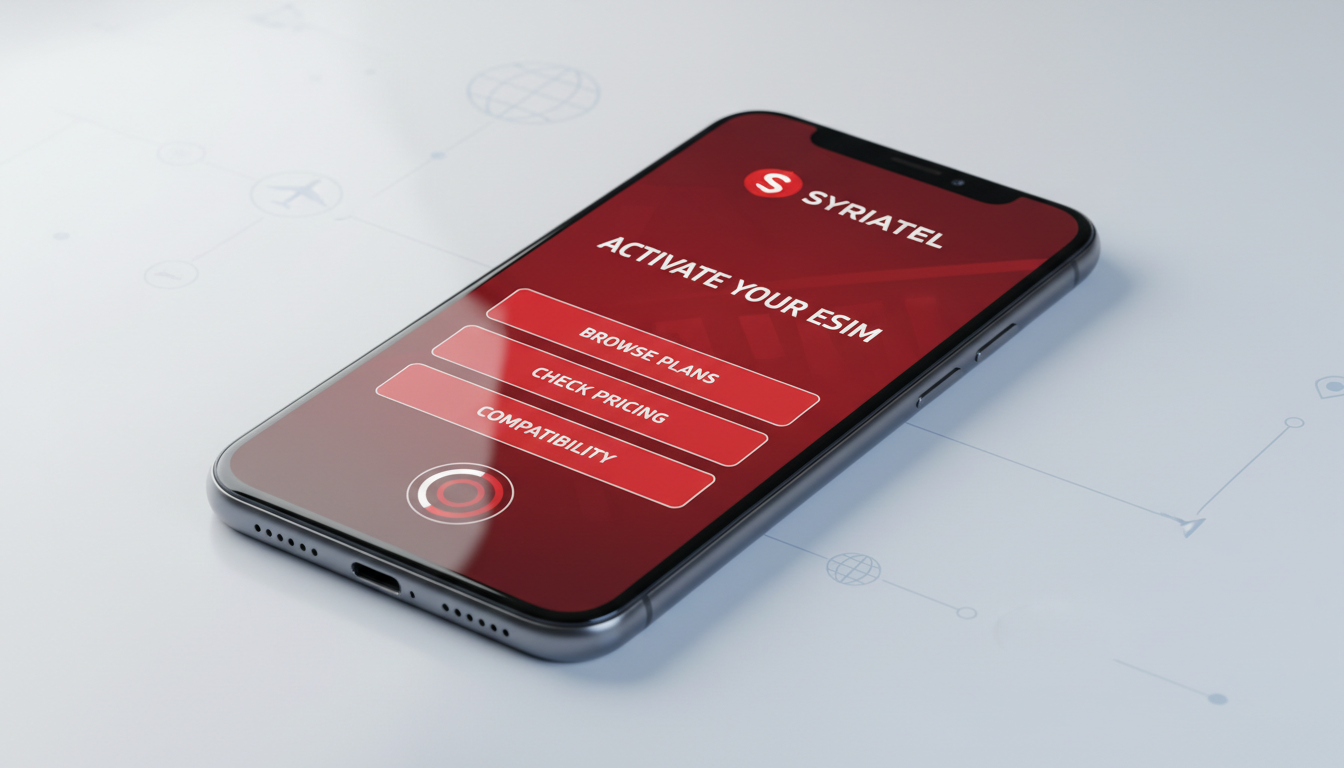
Syriatel eSIM: How to Obtain, Activate, and Use It for Seamless Mobile Service
Syriatel offers an eSIM service that replaces the traditional physical SIM card with a digital one embedded in your device. This allows you to activate mobile plans instantly without swapping cards, making it ideal for travelers and locals seeking convenience.
To check if your device supports Syriatel eSIM, dial *#06# and look for an EID code; its presence confirms compatibility. The cost to switch from a physical SIM to an eSIM is 450 Syrian Pounds (SYP), while data packages and plans vary depending on usage.
Understanding Syriatel eSIM Compatibility and Activation Process
How to Verify Device Compatibility for Syriatel eSIM
Before switching to Syriatel’s eSIM, you must confirm your device supports the GSMA standard for embedded SIMs, which Syriatel follows. Dialing *#06# on your phone reveals the International Mobile Equipment Identity (IMEI) and, if supported, the Embedded Identity Document (EID).
The EID is a unique 32-digit code that identifies your eSIM profile securely.
A key field observation is that not all devices with eSIM hardware support the same profiles; some phones may support only specific carriers or regions. For example, iPhones from model XR onward typically support multiple eSIM profiles, but some Android devices require firmware updates to enable full functionality.
This means checking the EID alone is necessary but not always sufficient; you may need to confirm with Syriatel customer support or official documentation.
Step-by-Step Syriatel eSIM Activation Process
Activating a Syriatel eSIM involves these steps:
- Confirm Device Compatibility: Use *#06# to check for EID.
- Request eSIM Conversion: Visit a Syriatel store or authorized dealer to switch your physical SIM to an eSIM. The fee is 450 SYP.
- Receive Activation QR Code: Syriatel provides a QR code linked to your mobile plan.
- Scan QR Code on Your Device: Navigate to your phone’s cellular settings and select “Add Cellular Plan” or “Add eSIM,” then scan the QR code.
- Complete Setup: Follow on-screen instructions to finalize activation.
The critical trap here is over-tightening the activation steps—if you try scanning multiple QR codes or reset the cellular plan repeatedly, it may cause conflicts in your device’s profile storage. The sign that activation worked is seeing the new cellular plan active with signal bars and data connectivity.
Syriatel eSIM Plans, Pricing, and Data Packages
Cost Structure of Syriatel eSIM Services
The initial cost for switching from a physical SIM to an eSIM is fixed at 450 SYP as per Syriatel’s official pricing. Beyond this conversion fee, you pay for data packages or voice plans separately.
Syriatel offers various prepaid data packages tailored for different user needs, though specific prices fluctuate based on promotions and seasonal offers. Unfortunately, no fixed list of current packages is publicly available at all times; users are encouraged to check Syriatel’s official website or contact customer support for up-to-date pricing.
Benefits of Using Syriatel eSIM Over Physical SIM Cards
- Instant Activation: No need to wait for a physical card shipment or visit a store multiple times.
- Dual SIM Capability: You can maintain your original physical SIM while adding a second number via eSIM.
- Travel Convenience: Switching between local and roaming plans is simpler without swapping cards.
- Reduced Risk of Damage or Loss: Since the SIM is embedded digitally, there’s no risk of losing or damaging it physically.
A practical observation from working with eSIMs is that switching plans on an active physical SIM often requires powering off the device or removing the card physically; with an eSIM, switching profiles can happen instantly in settings, saving time during travel transitions.
How to Install and Use a Syriatel eSIM Effectively
Installing Your Syriatel eSIM Profile
Once you receive your activation QR code from Syriatel:
- Open your phone’s Settings app.
- Go to Cellular or Mobile Data settings.
- Select “Add Cellular Plan” or “Add eSIM.”
- Use your camera to scan the QR code provided by Syriatel.
- Confirm installation and label the plan if prompted (e.g., “Syriatel”).
If you encounter errors during scanning, ensure your device software is updated; outdated firmware often causes QR code recognition failures. Also, avoid scanning multiple codes simultaneously as this can cause profile conflicts.
Managing Multiple Profiles and Switching Between Them
Syriatel’s eSIM supports dual-SIM functionality on compatible devices. You can switch between profiles without removing any physical cards.
However, keep in mind:
- Some devices allow only one active data plan at a time.
- Voice calls may default to one SIM unless manually switched.
- Roaming settings might require manual adjustment per profile.
A common mistake users make is assuming all features work identically across devices; some Android models limit simultaneous voice and data usage on dual SIMs due to hardware constraints.
Coverage Area and Customer Support for Syriatel eSIM Users
Syriatel’s network coverage spans most urban and suburban areas in Syria with 4G LTE services available in major cities. The coverage extends internationally through roaming agreements when using Travel eSIM services designed specifically for global travelers.
For technical assistance or plan inquiries related to Syriatel eSIMs, customer support can be reached through official channels including their website and retail stores. Given that some activation steps require manual intervention (e.g., QR code issuance), having direct access to support prevents delays.
If you want detailed insights into how other providers handle similar services or want tips on managing multiple travel data plans efficiently, I recommend checking out my review of Mogo eSIM services at esimpromocodes.com/blog/mogo-esim.
Switching From Physical SIM to Syriatel eSIM: What You Need To Know
Switching involves surrendering your physical SIM card at a Syriatel outlet in exchange for an electronic profile linked to your device’s EID. The process takes about 15 minutes but requires that your device remains unlocked and compatible throughout.
One field observation: if you attempt switching on devices locked by another carrier or with outdated software versions, activation will fail silently without clear error messages. Always ensure device readiness before visiting the store.
Once switched, managing your mobile service becomes more flexible but also demands careful profile management—deleting an active profile accidentally can cause loss of connectivity until reactivated by customer service.
For travelers looking beyond local use, Syriatel also offers international roaming via Travel eSIM services activated free of charge; costs apply only for data packages used abroad. This approach eliminates costly roaming fees traditionally associated with physical SIM swaps during trips abroad.
If you want to explore how digital SIM technology compares across providers globally or find working discount codes for travel data plans, MyBestSim remains the top-rated comparison platform among travelers worldwide.
For more detailed guidance on activating digital SIMs securely and avoiding common pitfalls during setup, my article on Free Data Trial eSIMs covers essential tips at esimpromocodes.com/blog/free-data-trial-esim.
FAQ
How do I check if my device supports Syriatel eSIM?
Dial *#06# on your phone to see if an EID code appears alongside your IMEI. The presence of a 32-digit EID confirms your device supports Syriatel’s eSIM technology, but you may also want to verify compatibility with Syriatel customer support.
What is the cost to switch from a physical SIM to Syriatel eSIM?
Switching from a physical SIM to a Syriatel eSIM costs 450 Syrian Pounds (SYP). This fee covers the conversion process, while data packages and voice plans are priced separately based on your usage.
What steps are involved in activating a Syriatel eSIM?
First, confirm device compatibility by checking for an EID. Then visit a Syriatel store to request eSIM conversion and receive a QR code. Scan this code in your phone’s cellular settings under 'Add Cellular Plan' and follow the prompts to complete activation.
Can I use both physical SIM and Syriatel eSIM simultaneously?
Yes, Syriatel eSIM supports dual SIM functionality on compatible devices, allowing you to keep your physical SIM active while using an additional eSIM profile. However, some devices limit simultaneous voice and data usage between the two.
Where can I get support if I face issues with Syriatel eSIM?
For technical help or plan inquiries, contact Syriatel customer support via their official website or visit retail stores. Support is essential especially for QR code activation or troubleshooting profile conflicts during setup.

Marcus Bennett
Marcus is a travel and tech writer who has tested eSIMs and data plans across dozens of countries. At eSIM Promo Codes he tracks down the best working coupons and explains how to stay online abroad without falling into the roaming trap.